


Download DVD Player - Play DVD – play DVD, DVD player, VCD player, Windows 11 style, nostalgic media
Overview
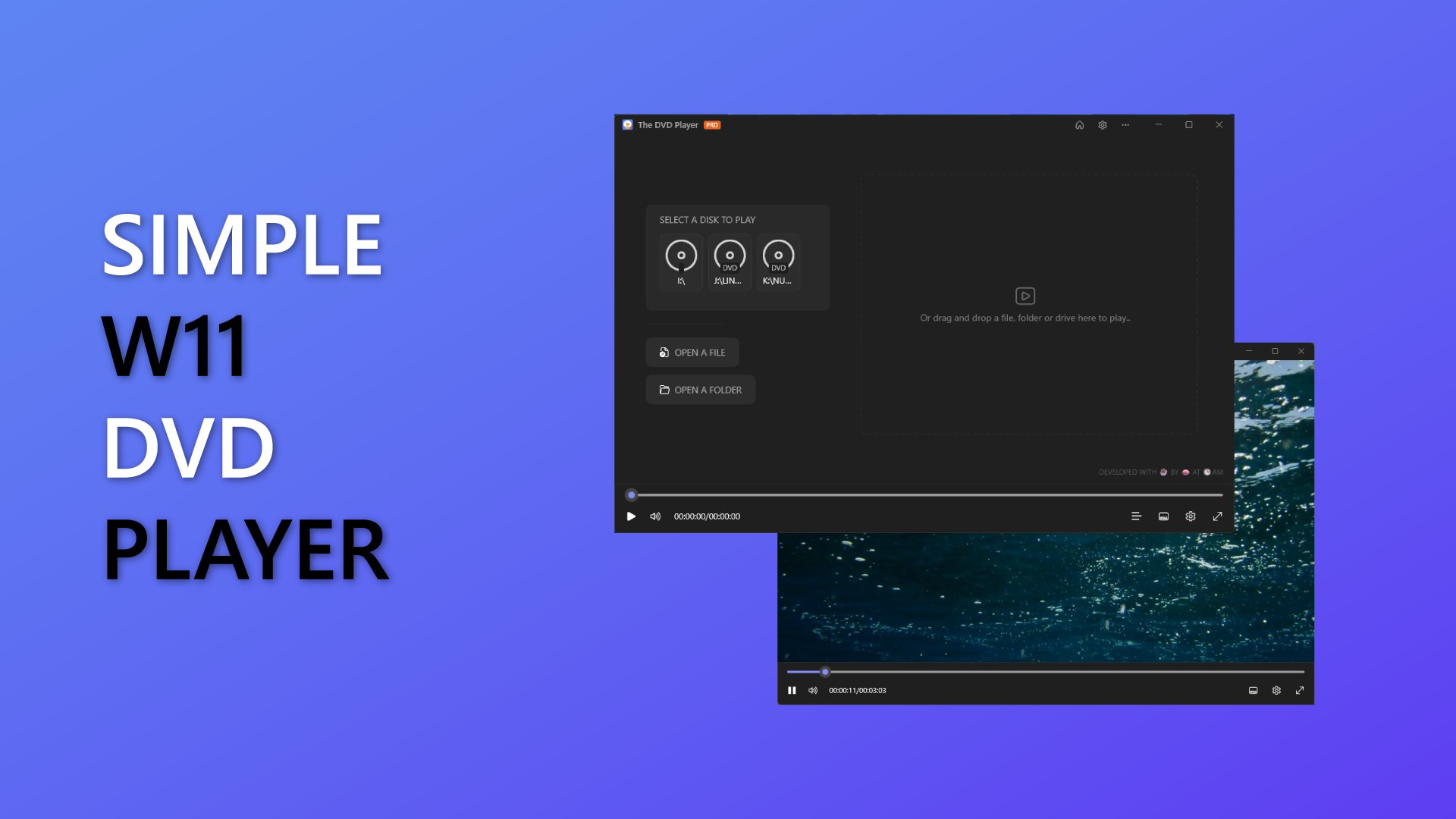
DVD Player - Play DVD is a mobile application designed to help users access and enjoy their personal DVD and VCD collections on Android devices. The app focuses on delivering a nostalgic media experience by enabling playback of non-commercial discs, making it ideal for individuals who wish to revisit home videos, old films, or personal recordings. Its primary purpose is to bridge the gap between physical media and modern smartphones, offering a convenient way to view content without requiring a traditional DVD player or computer. The application is particularly suited for users who value simplicity and aesthetics, especially those familiar with the Windows 11 interface.
By adopting a sleek, modern design inspired by Windows 11, the app enhances visual appeal and user engagement. This design choice contributes to a more immersive playback experience, aligning with contemporary user expectations for clean and intuitive interfaces. The app does not support commercial DVDs, a limitation that should be considered when evaluating its functionality. This restriction ensures compliance with digital rights management standards and positions the app as a tool for personal media use rather than commercial content distribution.
Target users include individuals with legacy DVD and VCD collections, families preserving home videos, and tech enthusiasts interested in retro media formats. The app fills a niche in the mobile ecosystem by offering a dedicated playback solution for older disc-based media. Although the developer did not provide additional technical details, the lightweight nature of the app suggests it is optimized for performance on a variety of Android devices, including older models. Its free pricing model further increases accessibility, making it a practical choice for users seeking a no-cost solution to digitize or access their physical media collections.
Key Features & Functionality
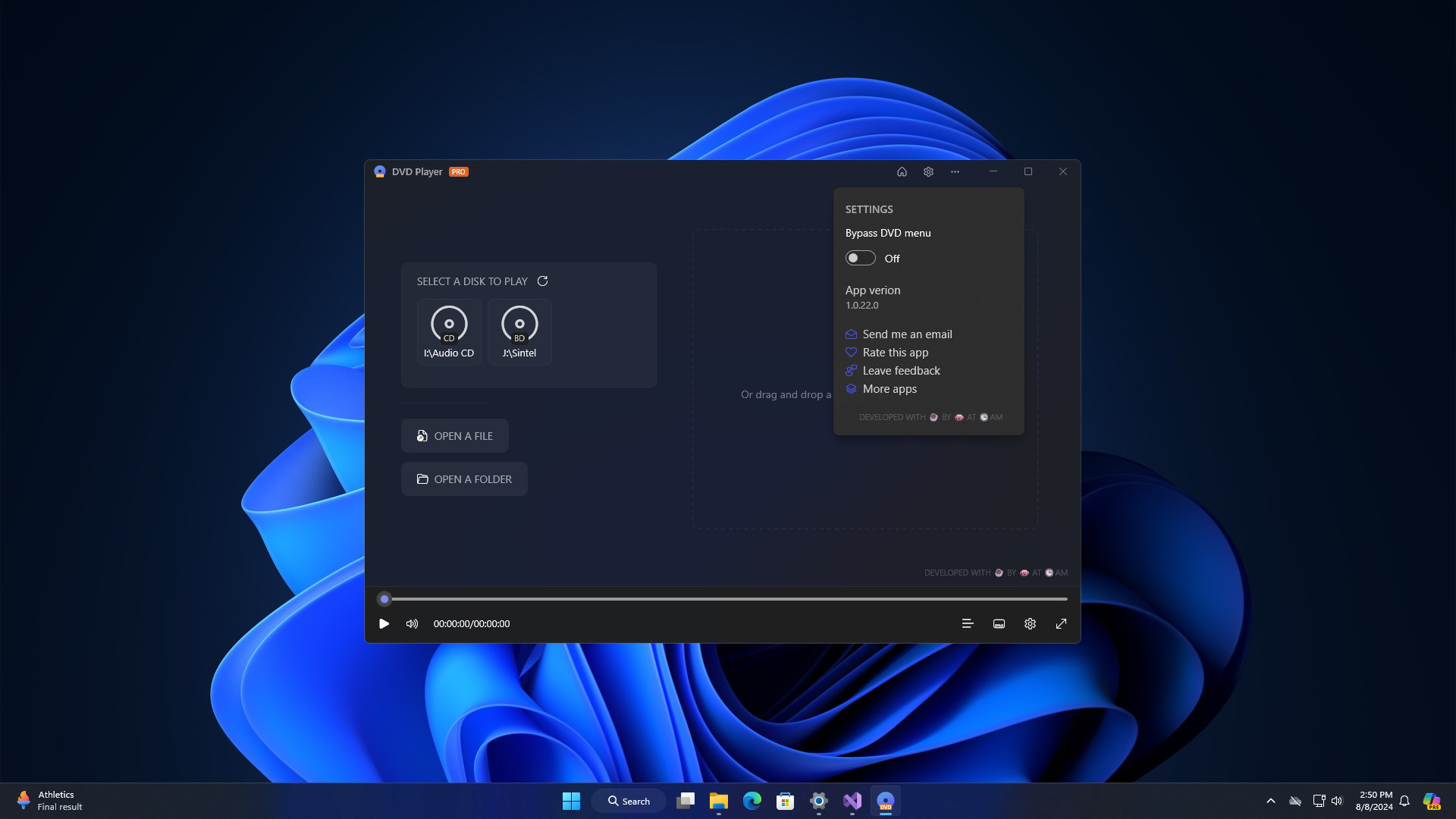
- Elegant Windows 11-Inspired Interface: The app features a modern, minimalist design that mirrors the visual language of Windows 11, including rounded corners, soft shadows, and a clean layout. This aesthetic enhances usability and makes navigation intuitive, particularly for users accustomed to Microsoft’s design system.
- User-Friendly Playback Controls: Simple, large touch-friendly buttons allow users to play, pause, stop, and navigate through disc content with minimal effort. The interface is optimized for touch input, reducing the learning curve for all age groups, including older adults and less tech-savvy users.
- Support for Personal DVD and VCD Media: The app is engineered to read and play non-commercial DVDs and VCDs stored on physical discs. This functionality enables users to enjoy home recordings, personal films, and self-created content without conversion or additional software.
- Lightweight and Efficient Performance: With a file size of just 10.2 MB, the app is designed to operate smoothly on devices with limited storage and processing power. This efficiency ensures stable playback even on older Android hardware, minimizing lag and crashes during extended viewing sessions.
- Focus on Nostalgic Media Access: By prioritizing personal media playback, the app serves as a digital archive tool for users who wish to preserve and revisit memories stored on physical discs. It supports a seamless transition from physical media to mobile viewing, ideal for digital preservation efforts.
Real-world use cases include watching family home videos during reunions, reliving childhood favorites from the early 2000s, or sharing personal recordings with friends and relatives. The app’s simplicity makes it suitable for both casual and frequent use, especially in environments where a dedicated media player is not available.
Interface, UX & Performance
The user interface of DVD Player - Play DVD reflects a clean, modern aesthetic inspired by Windows 11, featuring a balanced layout with consistent spacing, subtle animations, and intuitive iconography. The visual design emphasizes readability and ease of access, with key controls prominently displayed and clearly labeled. Navigation is linear and predictable, allowing users to move between menus and playback functions with minimal effort.
Interaction is optimized for touch, with responsive buttons and smooth transitions between states. The app maintains consistent performance across different screen sizes and resolutions, suggesting broad compatibility with various Android devices. Although the developer did not list formal performance metrics, the lightweight nature of the application indicates efficient memory and CPU usage, contributing to stable playback and reduced battery drain.
Responsiveness is evident during playback, with minimal delay when pausing, seeking, or switching between tracks. The app does not exhibit visible lag or freezing during typical use, which is crucial for maintaining user engagement. Stability appears to be a priority, as no reported crashes or errors were mentioned in the provided information. However, specific requirements for device compatibility were not disclosed, so users should ensure their device supports disc playback via external or built-in drives.
Platform Compatibility & Technical Requirements
DVD Player - Play DVD is available exclusively on the Android platform, making it accessible to users of Android smartphones and tablets. The app runs on Android devices with a minimum OS version not specified by the developer. Given its lightweight size of 10.2 MB, it is likely compatible with a wide range of devices, including those with older Android versions and limited storage capacity.
The application is designed to work with external or built-in DVD/VCD drives connected via USB OTG or other supported interfaces. However, the developer did not specify the exact hardware requirements or supported drive models. Users should verify that their device supports disc reading through external peripherals. The app’s file size and free price point suggest it is optimized for broad accessibility, particularly for users seeking a low-barrier entry into mobile disc playback.
Pros and Cons
Pros
- Modern, Windows 11-inspired interface enhances visual appeal and usability.
- Simple, intuitive controls make it accessible for all age groups.
- Lightweight design ensures smooth performance on older or low-end devices.
- Free to download and use with no in-app purchases.
- Specifically designed for personal DVD and VCD playback, supporting nostalgic media.
Cons
- Does not support playback of commercial DVDs, limiting its use for movie collections.
- Specific OS requirements and hardware compatibility were not disclosed.
- External drive dependency may require additional accessories for functionality.
- No information on subtitle or audio track selection features.
- Developer did not provide details on update frequency or long-term support.
FAQ
Is DVD Player - Play DVD compatible with all Android devices?
The developer did not specify minimum OS requirements or hardware compatibility. Users should ensure their device supports external DVD/VCD drives via USB OTG or similar interfaces.
Can I play commercial DVDs with this app?
No, the app does not support playback of commercial DVDs. It is designed for personal, non-commercial media such as home videos and self-recorded content.
Do I need an external DVD drive to use the app?
Yes, the app requires a compatible external or built-in DVD/VCD drive. The developer did not list supported drive models or connection types.
Is the app safe to download and install?
As a free app available through official Android channels, it is considered secure. However, users should only download from trusted sources to avoid potential risks.
How often is the app updated?
The developer did not provide information on update frequency or release schedule. Users should monitor the app store for new versions.
Final Thoughts
DVD Player - Play DVD offers a thoughtful solution for users seeking to enjoy their personal DVD and VCD collections on modern Android devices. With its elegant Windows 11-inspired design, intuitive interface, and lightweight performance, it stands out as a dedicated tool for nostalgic media playback. While it does not support commercial DVDs, this limitation is clearly defined and aligns with its intended use case for personal content.
Its free price model, combined with low system resource consumption, makes it accessible to a broad audience, including those with older smartphones or limited storage. The app is especially beneficial for families preserving home videos, retro media enthusiasts, and individuals looking to digitize or view legacy content without complex setups.
For users with personal disc collections and a need for a simple, reliable playback tool, DVD Player - Play DVD delivers a compelling value proposition. Despite the lack of detailed technical specifications, its focus on usability and nostalgia-driven functionality positions it as a practical choice in the mobile media landscape.
Download DVD Player - Play DVD now


